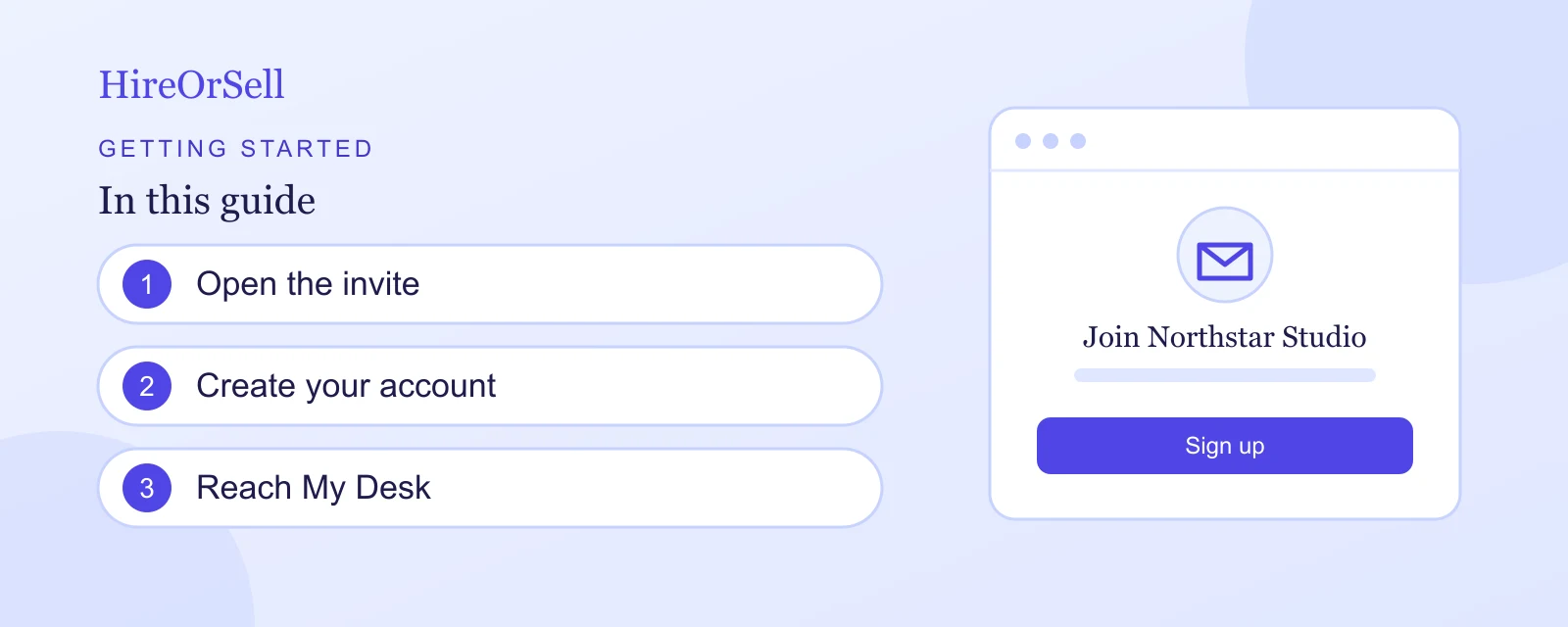
Use the invitation sent by an organization administrator to create your account in that organization.
Accept an invitation
- Open the invitation link from your email.
- Check the organization name on the Join screen.
- Enter your Name. The Email field shows the invited address and cannot be edited here.
- Enter a Password that meets the requirements displayed below it.
- Select Sign up.
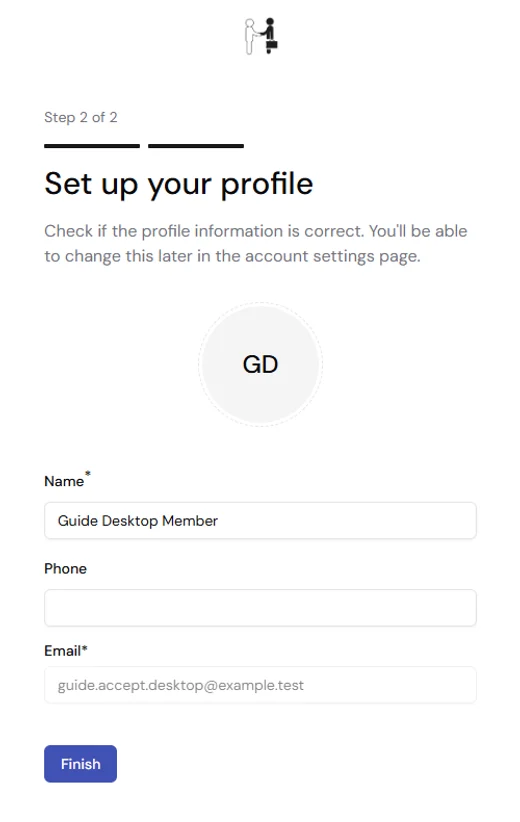
- Choose a theme, select Next step, and check your profile.
- Select Finish to reach My Desk.
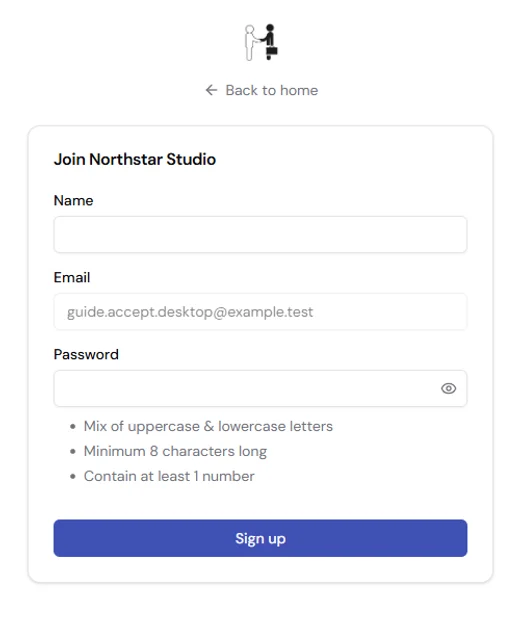
Figure 1. Confirm the organization and invited email before creating the account.
An empty name or password shows a required-field error. A weak password shows Password does not meet requirements. Correct the fields and try Sign up again. The invited email stays fixed.
When the organization is already set up, an invited member has two setup steps, Choose your theme and Set up your profile. You do not need to create another organization.
If you already have Hire Or Sell open
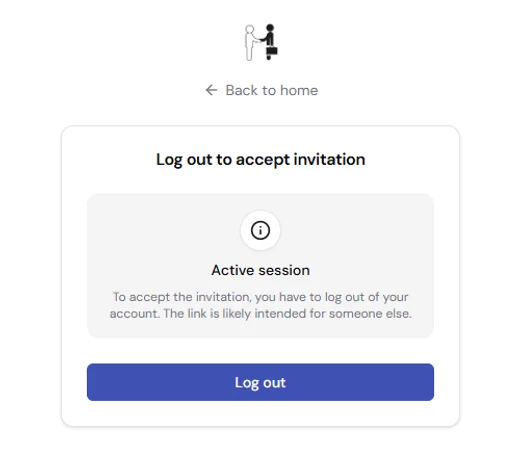
When another account is signed in, Hire Or Sell asks you to log out before accepting the invitation. Select Log out to return to the Join form for that invitation. Check the invited address before creating the account. To use the previous account again, sign in again.
If the invitation cannot be used
| Screen | What it means | Next step |
|---|---|---|
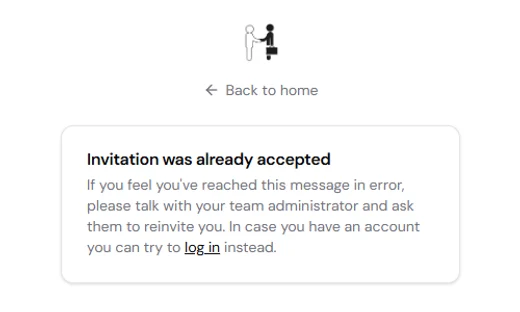
| Already accepted | The invitation has already been used. | Sign in to the account created from that invitation. |
| Invitation was revoked | The invitation is no longer available. | Ask the organization administrator to send a new invitation. |
| Page not found | The link has an invalid or missing invitation token. | Ask the administrator for a current invitation link. |
Accept on a phone
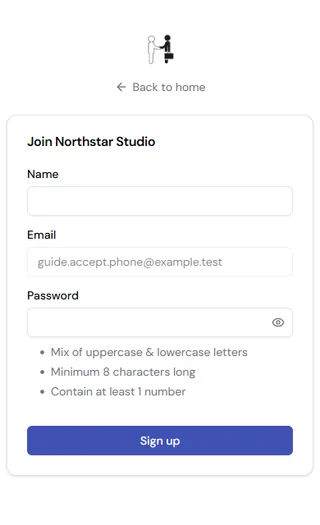
Use the same steps on a phone. The Join form stacks vertically; scroll to Sign up if needed. After accepting, complete the theme and profile steps and select Finish.