
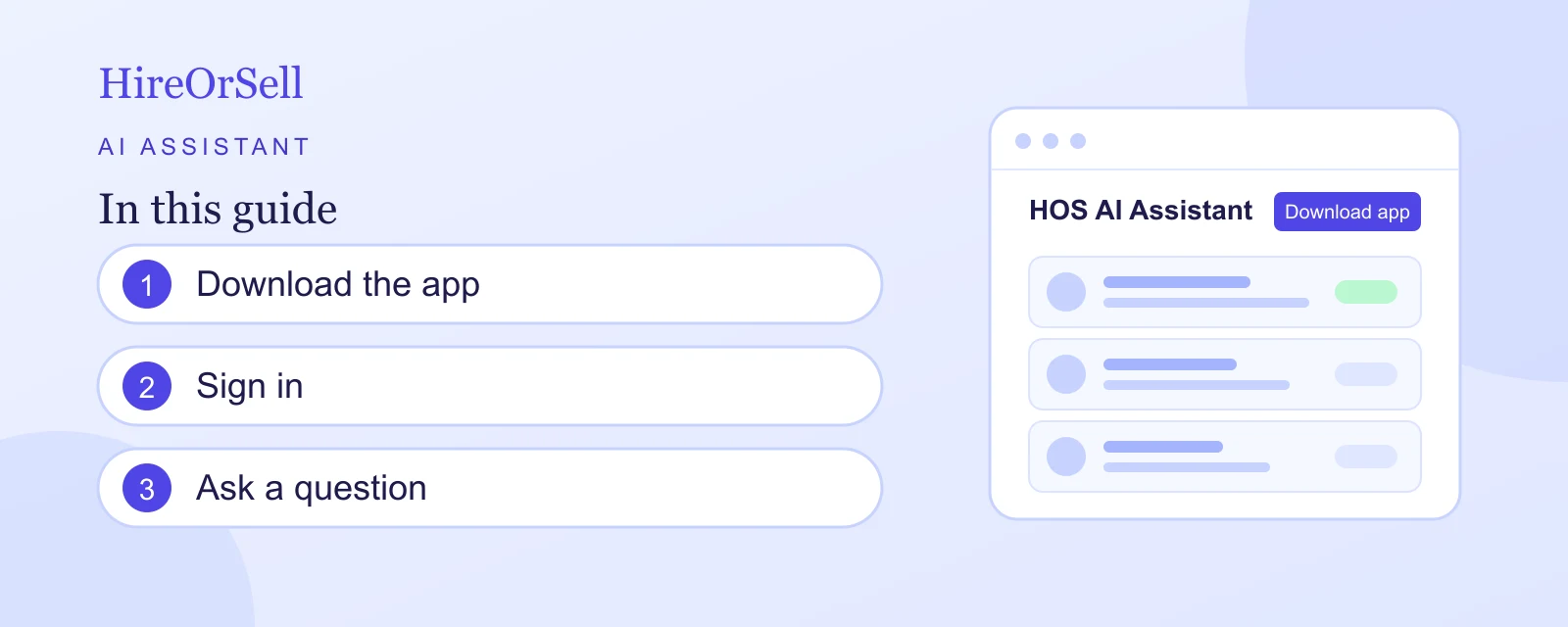
Ask questions about your projects, milestones, clients and calendar from your phone, and get answers from your own HireOrSell data.
Before you start
The AI assistant is a mobile app called HOS Assistant. You need:
- A HireOrSell account with a verified email address that belongs to an organization.
- An iPhone or iPad with iOS 16.4 or later.
- An internet connection.
The app is on the App Store. An Android app is not available yet.
Find the app from HireOrSell
- Select AI Assistant in the sidebar.
- The page shows what the assistant can do, with Ask about projects and Track milestones.
- Under Available on Mobile, select Download on the App Store. The Google Play badge is marked Coming soon.
You can also open the App Store on your iPhone and search for HOS Assistant.
Install and sign in
The page lists the three steps: Download app, Login, Start chatting.
- Install HOS Assistant from the App Store. It is free.
- Open the app and sign in with the same email address and password you use on HireOrSell.
- Start chatting. The app works with the data of the organization you belong to, so you see the same projects, clients and events as on the website.
What you can ask
Type a question, or talk to the assistant hands-free with a voice call. For example:
- What milestones are due this week?
- Show me the status of Project Alpha
- What tasks are assigned to me?
- Give me a summary of recent activity
- What's the budget status for my projects?
- What meetings do I have this week?
- Find client Acme
The assistant can show your projects, clients and contacts, your calendar events and your milestones. It can also create, change and delete calendar events, so check your calendar after you ask it to make a change.
If you cannot sign in
Sign-in is refused when:
- The email or password is wrong. Check them, or reset your password on the website with Forgot your password?. See Create an account and recover access.
- Your email address is not verified. Open the verification email HireOrSell sent you, then try again.
- Your account does not belong to an organization yet. Finish setting up your workspace on the website, or accept your invitation. See Sign in and set up your workspace and Join an organization from an invitation.
- There were too many attempts. Wait a few minutes before you try again.
If you normally sign in to HireOrSell with Google or Microsoft, your account may not have a password. Set one with Forgot your password? on the website, then use it in the app.